All articlesGeneral
Phishing Attacks in 2026: How to Spot Them and What to Do If You Click
1 September 20265 min readBy Omnicron Team
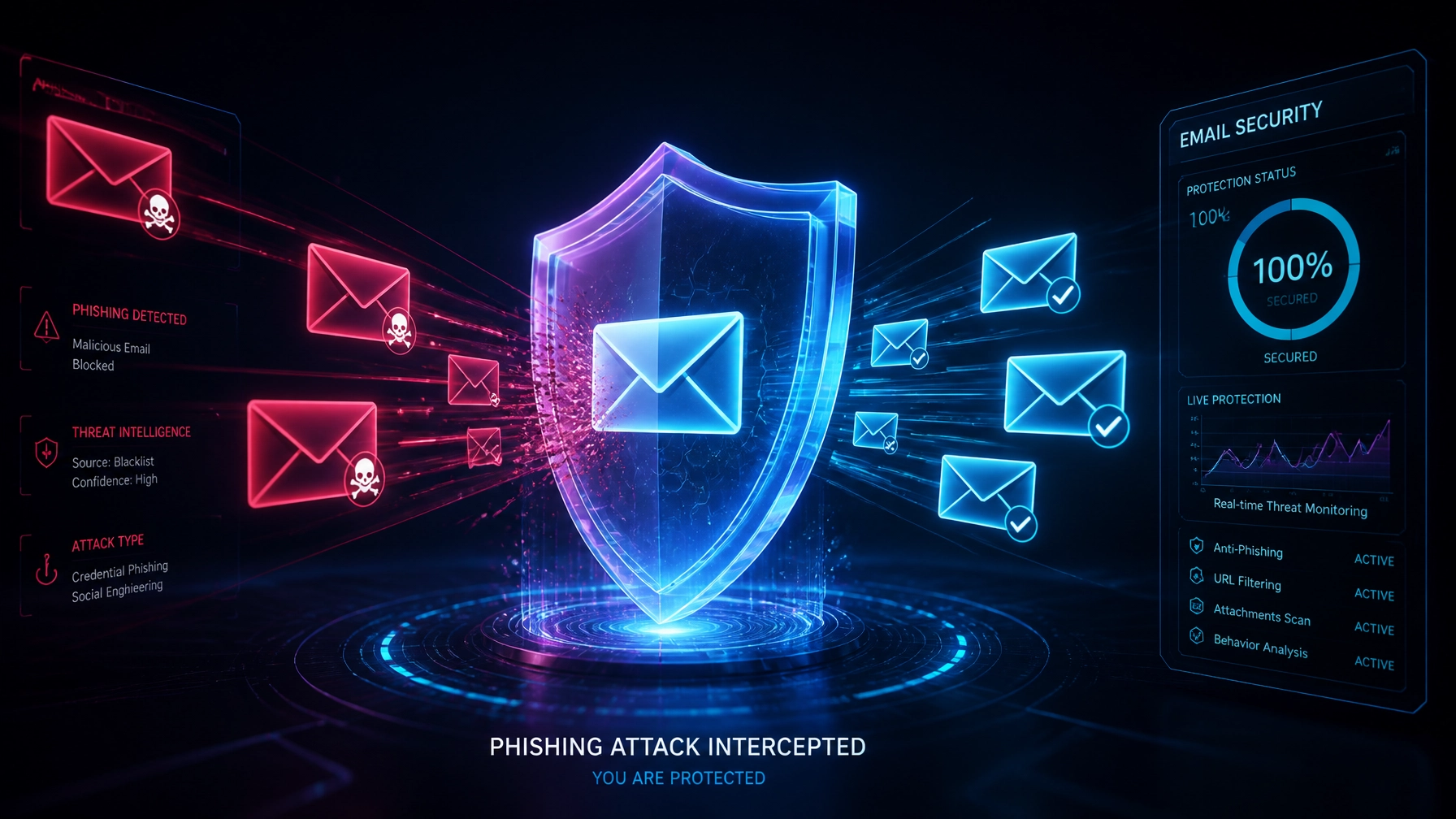
Phishing Attacks in 2026: How to Spot Them and What to Do If You Click

Phishing remains the single most prevalent attack vector for cybercriminals targeting Australian small and medium-sized businesses (SMBs). According to recent Australian Cyber Security Centre (ACSC) threat data, phishing is involved in approximately 60% of all reported cyber incidents. For small businesses in Victoria, the financial impact is substantial: the average cost of a successful incident stands at $56,600, encompassing operational downtime, data recovery, and remediation expenses. Medium-sized businesses face average losses nearing $97,200.
As cybercriminals leverage artificial intelligence to scale their operations, modern phishing has evolved far beyond obvious typo-ridden emails. Implementing robust cybersecurity for small business Australia standards requires understanding these sophisticated 2026 tactics, recognizing subtle red flags, and having an immediate response protocol when human error occurs.
Gone are the days when phishing was easily spotted by broken English or crude formatting. In 2026, threat actors use generative AI and deep research to craft hyper-targeted campaigns designed to deceive even diligent staff.

Attackers frequently compromise legitimate supplier email accounts or forge vendor billing details with pristine accuracy. These fraudulent invoices match your existing supplier branding, payment terms, and project references, making it difficult for accounts teams to spot discrepancies before funds are transferred.
Using publicly available information and scraped voice data from social media, criminals initiate urgent requests impersonating managing directors or senior executives. These requests typically command immediate wire transfers or confidential data disclosures while bypassing standard internal approval chains.
Phishing has migrated heavily to mobile devices. SMS messages (smishing) featuring fake delivery updates, toll road alerts, or banking security flags trick users into clicking malicious links. Concurrently, AI voice cloning enables realistic voicemail phishing where automated callers request credential resets or multi-factor authentication (MFA) approvals.
Because AI has largely eliminated traditional grammatical errors, spotting malicious communications requires looking beyond surface-level spelling. Effective cyber threat protection for SMEs relies on training staff to identify structural and behavioral anomalies:

Artificial Urgency and Pressure: Messages demanding immediate action: such as threats of account suspension, legal action, or payroll failure: are engineered to bypass rational decision-making.
Mismatched Sender Addresses: Always inspect the actual sender domain (e.g., @omnicron-support.com.au versus legitimate @omnicron.com.au). Attackers often use lookalike domains or free webmail providers for urgent internal requests.
Unexpected Attachments or Links: Unsolicited documents (especially macros-enabled .xlsm or password-protected archives) and unexpected login links should never be opened without out-of-band verification.
Requests for Credentials via Link: Legitimate IT and software providers never email direct links asking you to enter passwords or reset credentials.
For organizations seeking a comprehensive baseline, our Security Review evaluates your team's vulnerability profile and email gateway posture.
Even with robust technical controls, human error happens. How your organization responds in the first 15 minutes determines whether a phishing click remains a minor near-miss or escalates into a full-scale ransomware breach.

If you suspect you have clicked a malicious link or entered credentials on a fake site, immediately sever the device's internet connection. Unplug the Ethernet cable and turn off Wi-Fi. This stops lateral movement, preventing malware from communicating with command-and-control servers or spreading across the local network.
Using a separate, verified clean device (such as a personal smartphone on cellular data), immediately reset passwords for all compromised accounts: starting with your Microsoft 365 or Google Workspace credentials and corporate email.
Log into your administrative security console to terminate all active sessions and revoke existing authentication tokens for the affected user account. This prevents attackers from maintaining persistent access even after password changes.
Report the incident immediately to your internal technical team or external Managed Services provider. Quick reporting allows security analysts to inspect email gateway logs, trace recipient lists, and quarantine similar messages before other employees engage.
Allow your managed detection tools to execute a deep malware and anomaly scan on the affected endpoint to verify that no malicious payloads were downloaded or executed in the background.
Mitigating phishing risk requires a multi-layered defense strategy that combines advanced technical filtering with continuous employee education. Omnicron delivers robust managed IT services Melbourne businesses trust to neutralize email threats before they reach user inboxes.

Our comprehensive approach includes:
OmniShield Live Defence: Our proprietary security layer provides continuous real-time monitoring, advanced email filtering, and instant threat blocking against sophisticated phishing and malware payloads.
Security Awareness Training: Ongoing, engaging training modules that test employee resilience and teach staff how to identify emerging 2026 threat vectors.
Phishing Simulations: Controlled testing environments that track click rates, provide immediate educational feedback, and measure organizational risk reduction over time.
Phishing attacks will continue to evolve in sophistication, but your defenses can evolve faster. Protecting your business from costly data breaches and operational downtime requires expert oversight and proactive technical controls.
Ready to secure your IT environment? Contact Omnicron today to schedule a professional security review and discover how our managed protection plans safeguard your Victorian business.
Book a free security check and we'll show you where your business stands clear next steps, no jargon, no obligation.
If you are unable to reach us by phone, please email admin@omnicron.com.au and a member of our team will respond promptly.
Or explore our free security tools — 30+ scanners, checkers and assessments, free with an account.